
رابط الإحالة
رابط إحالة STORAQ جاهز
ثبّت STORAQ ثم افتحه من هذه الصفحة ليبقى رمز الإحالة جاهزًا عند التسجيل.
تثبيت عبر رمز المتجر
أكمل فتح STORAQ
بعد تنزيل التطبيق وتثبيته، افتحه من هذه الصفحة لإكمال الربط عبر رمز المتجر.
افتح في STORAQجرّب STORAQ
خذ مكانك خلف طاولة البيع.
أنشئ عملية بيع، وجهّز طلبًا، واحجز خدمة أو ابدأ جلسة ألعاب. شاهد المخزون والإيصالات والتقارير تتغيّر أثناء عملك.
بيانات نموذجية فقط، دون حساب أو معاملات حقيقية.
ابدأ عملية بيع تجريبيةتختلف الميزات والحدود حسب الخطة ونوع المتجر.
مصمّم لنوع نشاطك
ما هو نشاطك؟
اختر نوع المتجر وجرّب الأدوات المناسبة ليومه.
 التجزئة
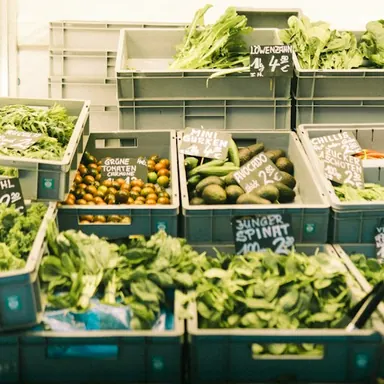 البقالة
 المقاهي
 المطاعم
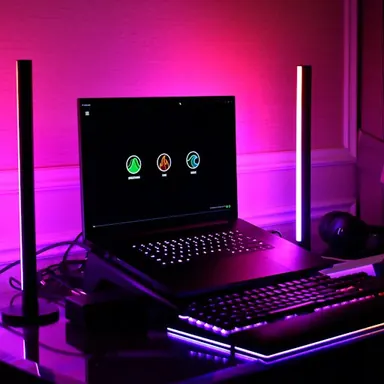 صالات الألعاب
 الأزياء
 الصالونات
 الحلاقة
 المنتجعات الصحية
 العيادات
 الجملة
 مستحضرات التجميل
 المكتبات
 المتاجر الصغيرة
 ورش الصيانة
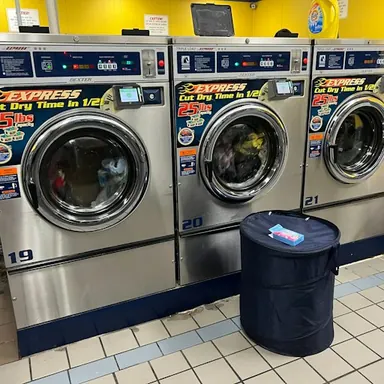 المغاسل
 الخدمات المنزلية
 أنشطة مخصصة
صور أنواع المتاجر نفسها في التطبيق. صور توضيحية ومسارات نموذجية.
إعدادات إضافية: البيع وواجهة المتجر والاسترجاع
01 / Interactive counter
Build a sale. See the real checkout rules.
Try the cart, discounts, taxes, offline receipt, and cashier checks with sample products.
A local preview with sample data. Nothing here reaches a STORAQ account or creates a real order.
Sample store
Products
Checkout
Basket
- Subtotal
- $0.00
- Discount
- −$0.00
- Tax
- +$0.00
- Total
- $0.00
Credit sale details
Due date and terms are optional in the app.
 Scan to open STORAQ downloads
Credit sales need internet, an enabled store-credit feature, and synced products. The app asks for optional due-date and terms, then creates a QR for the official STORAQ download page.
Scan to open STORAQ downloadsThank you
Discount is capped at the subtotal. Percentage tax uses the pre-discount subtotal. Offline checkout saves a local receipt and syncs when the connection returns.
02 / Storefront editor
Shape the shop page. Watch the preview change.
These controls mirror the business-look editor: theme, layout, and content.
A preview only. Saving a real store look requires a paid tier; changing the business type requires confirmation and is limited to once per 24 hours.
Changing this selection asks for confirmation in the app. Smart defaults also change the theme and content pack.
Theme
Live customer-page preview
03 / Messages, prices, refunds
Try the workflows that connect the sale.
The demo stays in this browser while reflecting the rules used by the app.
Conversation
Store chat
Messages appear only when a participant sends one. Switch sides to try both roles; there is no automatic reply.
The app also supports image, voice, and location messages. This text-only preview does not upload anything.
Store currency settings
Price display
A converted display price replaces the primary price when a usable rate exists. The inventory view can also show the original price.
Manual demo rates · editable
The app tries a direct rate, its inverse, then a USD bridge. If no usable rate exists, it keeps the original price.
Order refund
Refund selected items
Refunds are for online orders, require owner or refund-enabled staff access, and verify a 4–10 digit cashier PIN. Choose item quantities, not an arbitrary amount.
Sample online order · STQ-2048
STORAQ records returned quantities, updates stock, and marks the order partial or full. It does not send money back to a payment method.