
Referral link
Your STORAQ referral is ready
Install STORAQ, then open it from this page to keep the referral code ready for registration.
Store QR install
Finish opening STORAQ
After downloading and installing the app, open it from this page to complete the store QR handoff.
Open in STORAQTAKE IT FOR A TEST DRIVE.
Get a feel for the everyday.
Build a sample sale, customize a storefront, try messages and explore currency conversion. All in your browser.
Sample data only. No account or real transactions.
Start a sample saleFeatures and limits vary by plan and shop type.
MADE FOR YOUR KIND OF BUSINESS
What do you run?
Choose a shop type. Step into the tools that fit its day.
 Retail
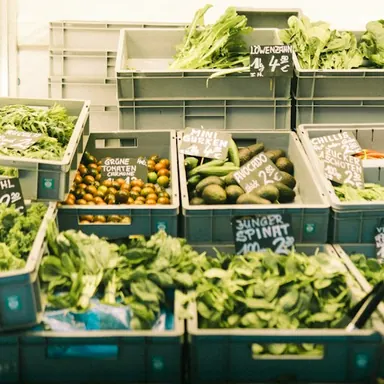 Groceries
 Cafés
Cafés Restaurants
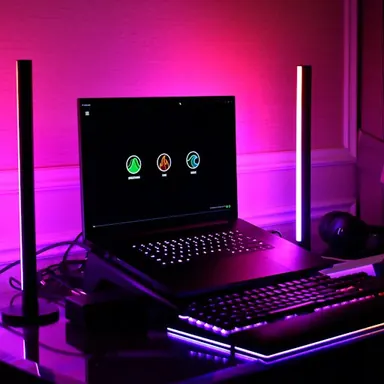 Gaming halls
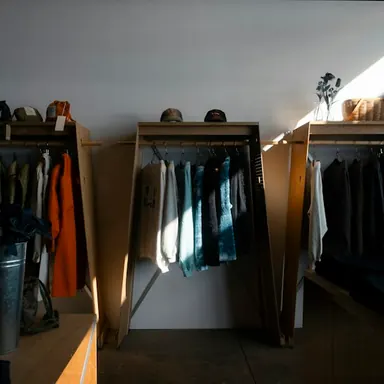 Fashion
 Salons
 Barbers
 Spas
Spas Clinics
 Wholesale
 Cosmetics
 Bookshops
 Convenience stores
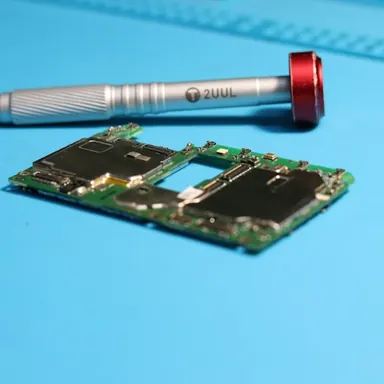 Repair shops
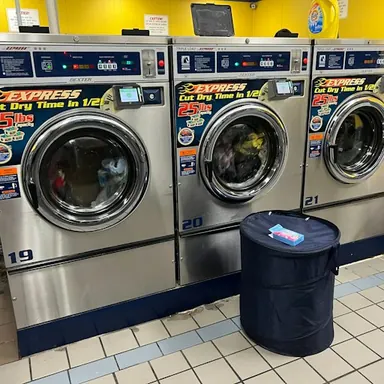 Laundry
 Home services
 Custom businesses
The same shop-type imagery as the app. Illustrative photos; sample workflows.
More controls: checkout, storefronts and refunds
01 / Interactive counter
Build a sale. See the real checkout rules.
Try the cart, discounts, taxes, offline receipt, and cashier checks with sample products.
A local preview with sample data. Nothing here reaches a STORAQ account or creates a real order.
Sample store
Products
Checkout
Basket
- Subtotal
- $0.00
- Discount
- −$0.00
- Tax
- +$0.00
- Total
- $0.00
Credit sale details
Due date and terms are optional in the app.
 Scan to open STORAQ downloads
Credit sales need internet, an enabled store-credit feature, and synced products. The app asks for optional due-date and terms, then creates a QR for the official STORAQ download page.
Scan to open STORAQ downloadsThank you
Discount is capped at the subtotal. Percentage tax uses the pre-discount subtotal. Offline checkout saves a local receipt and syncs when the connection returns.
02 / Storefront editor
Shape the shop page. Watch the preview change.
These controls mirror the business-look editor: theme, layout, and content.
A preview only. Saving a real store look requires a paid tier; changing the business type requires confirmation and is limited to once per 24 hours.
Changing this selection asks for confirmation in the app. Smart defaults also change the theme and content pack.
Theme
Live customer-page preview
03 / Messages, prices, refunds
Try the workflows that connect the sale.
The demo stays in this browser while reflecting the rules used by the app.
Conversation
Store chat
Messages appear only when a participant sends one. Switch sides to try both roles; there is no automatic reply.
The app also supports image, voice, and location messages. This text-only preview does not upload anything.
Store currency settings
Price display
A converted display price replaces the primary price when a usable rate exists. The inventory view can also show the original price.
Manual demo rates · editable
The app tries a direct rate, its inverse, then a USD bridge. If no usable rate exists, it keeps the original price.
Order refund
Refund selected items
Refunds are for online orders, require owner or refund-enabled staff access, and verify a 4–10 digit cashier PIN. Choose item quantities, not an arbitrary amount.
Sample online order · STQ-2048
STORAQ records returned quantities, updates stock, and marks the order partial or full. It does not send money back to a payment method.